There are three useful entry points to keep separate: the early itch.io browser showcase, the Steam demo and the full Steam game. Similar artwork and the same title do not make their balances, menus or save files interchangeable. Choose the edition first, then follow guidance for that edition.
The developer explicitly identifies the browser build as an early showcase that does not reflect the final game. The Steam game and demo also have separate store entries. This comparison helps you choose the correct download and interpret differences without treating every missing feature as a problem with your save.
Choose the edition you actually want
| Edition | Official entry point | How to use it |
|---|---|---|
| Early browser showcase | SylverDev's itch.io page | Try the early loop in a browser and read its version warning |
| Steam demo | Steam app 4487700 | Use the dedicated demo page or the full game's demo link |
| Full Steam game | Steam app 4415120 | Check the current store availability and the installed full-game build |
Use these official pages rather than a download result that promises a cracked full version or a save editor. The links below identify the correct game entities; this guide does not mirror a game executable or bundle the playable browser build inside the website.
What the full game advertises
The full-game description names five expanding areas and 25 increasing object sizes. The developer also describes a larger tree, more powerups and additional modes compared with the early showcase. Those features explain why the full game's menus can contain options that you do not see in the old browser build.
They do not establish how far every Steam demo reaches, the names of all additional modes, or the exact point at which packs become available. Check the current edition's own screens before using a preview screenshot as an unlock promise. The areas overview separates the named scope from exact requirements.
Do demo values carry over?
This guide does not confirm automatic save transfer among itch.io, Steam demo and full game. A common title is not evidence of a shared save format. Do not delete the old save merely because you installed another edition, and do not assume a demo purchase cost remains unchanged in the full game.
For example, the first Pebbles node we observed in the early browser demo showed a specific quantity increase and a $1 cost. That is useful for recognizing the early opening. It should not become a universal purchase-price table for a different release. Read the tooltip available in your own build.
If you want to compare editions, record which one produced each result. A screenshot of a missing button is much more informative when it includes the edition and the screen you were on. This helps distinguish an older interface from an actual problem in a current build.
Start with the right guide
For a first attempt, use the beginner guide to understand Size and Hunger. For a screen that is difficult to navigate, use controls and menus. For a later upgrade decision, use upgrade priorities while following the current node's own effect and requirement.
The developer describes the full game as roughly two hours or more. This is an advertised playtime, not a measured completion guarantee for every player and not the length of the early demo. Short demo feedback should not be used to conclude that the full game ends after the same number of minutes.
Official download links
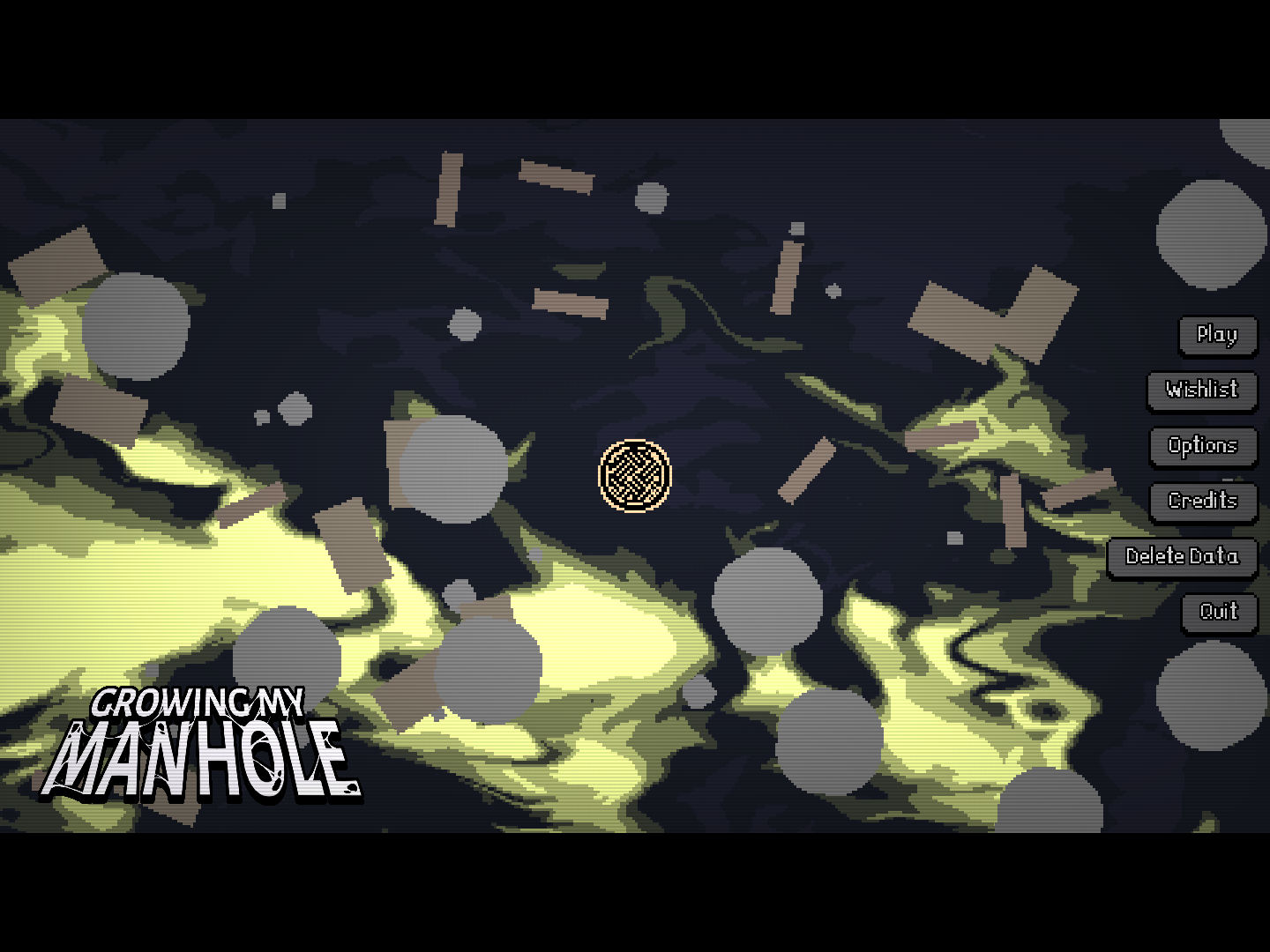
The picture above is the early browser menu, where Play, Options and Delete Data appear. Its presence here helps identify that edition; it is not a screenshot of the full Steam game's final menu.