
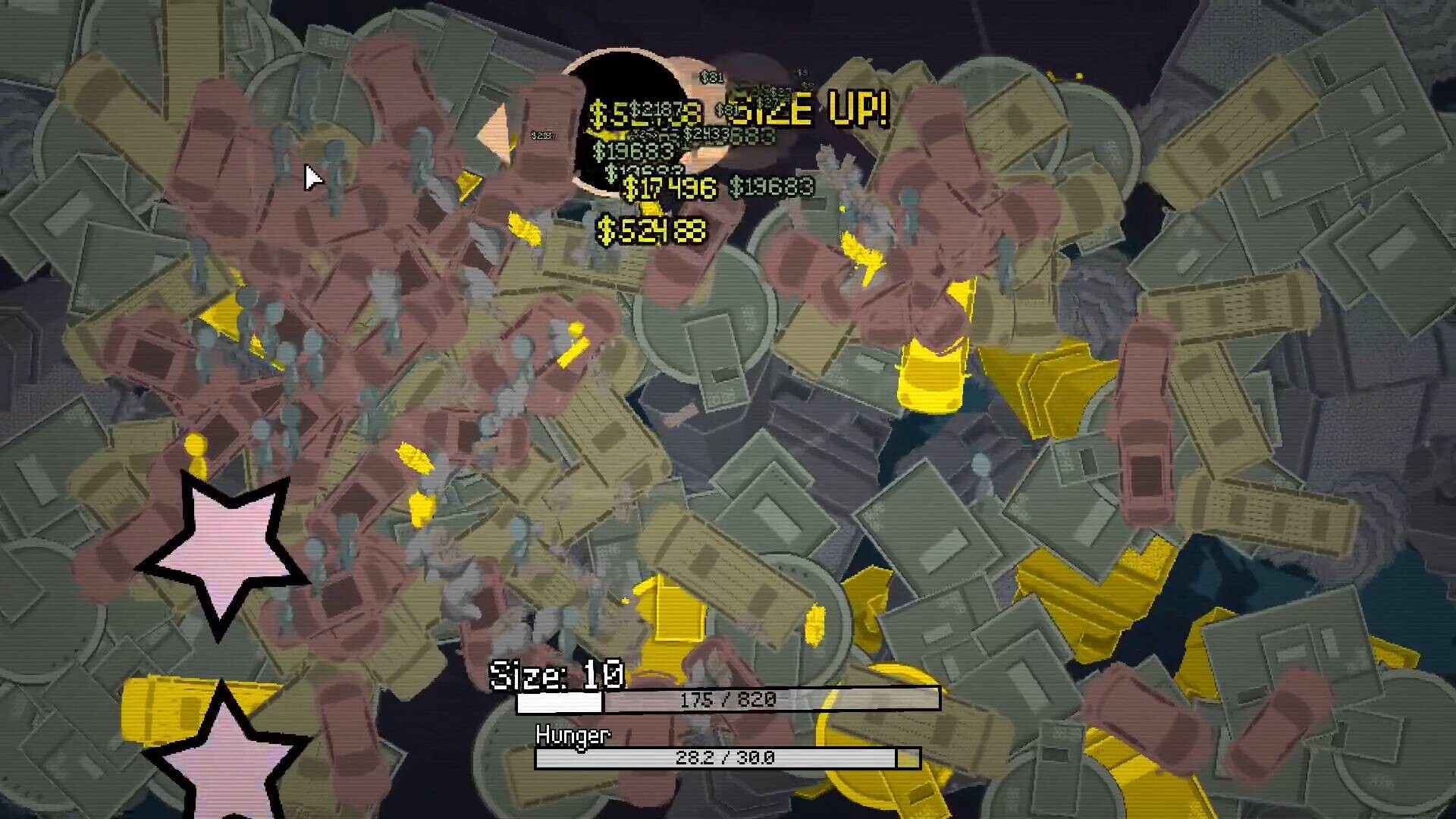
Growing My Manhole names five areas: Surface, Civilization, Continental, Cosmic and Universe. They describe an expanding scale of play, not five interchangeable pictures. Keep your current area and Size together when comparing runs: a scene full of large objects can look impressive while your hole is still struggling to collect something useful.
This overview uses the developer's area list and the objects visible in the Steam preview. Exact area-entry requirements, completion rewards and full-release unlock thresholds are not established here. The names are a reliable way to orient yourself; they are not a substitute for the requirements displayed in your own game.
The five-area progression map
| Area | Scale suggested by its name | What to check in your own run |
|---|---|---|
| Surface | The opening ground-level scale | Small nearby objects, first growth and the Hunger bar |
| Civilization | Human-scale surroundings | Whether newly visible objects are actually collectible |
| Continental | Land-scale surroundings | Whether your upgrades support the larger collection task |
| Cosmic | Space-scale surroundings | Whether movement and range still suit the scene |
| Universe | The broadest named scale | Your current requirement and the remaining growth objective |
The middle column explains the area names; it is not an exact list of objects assigned to each area. For example, the Steam preview includes cars, buildings and forests, but the result screen does not attach an area label to each object. Treat a detailed spawn chart that assigns every object to a zone without showing that assignment cautiously.
Area, Size and object tier are different
The developer advertises 25 increasing object sizes alongside five areas. That does not mean each area contains exactly five tiers, or that reaching Size 5 automatically opens the second area. A count describes the breadth of the game; an unlock condition describes what your save must do next. Those are different pieces of information.
Read the actual growth requirement in the HUD, then inspect any connected requirement in the upgrade tree. The scene can change visually before you have understood why a particular object is hard to collect. If you see a new object but cannot consume it, record the Size and the object's appearance rather than assuming the area is broken.
Use the object and result-screen guide to separate collection totals from unlock requirements. Counts shown after a run tell you what was collected during that attempt. They do not explain every prerequisite for reaching the next scale.
Prepare for the next scale
Before making several purchases, decide which part of the current run is limiting growth. A sparse opening suggests looking at suitable object supply. Spending most of Hunger on travel suggests looking at movement. Passing close to targets without collecting them suggests inspecting range or your steering. None of those diagnoses proves that a particular late-game node is mandatory.
For a useful comparison, keep the same general approach for the next attempt and change one purchase or card choice. Compare the result at the same Size or area where possible. A larger-looking scene is not enough to establish that an upgrade improved earnings. Check the actual result and how consistently you collected objects.
The upgrade guide explains the decision in more detail, while the Booster Pack guide shows why a speed bonus can come with a collection-range penalty. Do not assume that a card suited to one scene remains comfortable after the scale changes.
Keep a simple progression record
Write down three things after an attempt: the area you reached, your Size and the reason the run stopped. Add the purchase or card you changed. A short record is more useful than a list of everything visible on screen because it lets you compare attempts that are genuinely similar.
The personal checklist in the beginner guide can mark completed areas on this device. It does not read your game save, award an achievement or unlock anything in the game. If you clear the checklist, only the website's marks change.
When your current build shows a requirement that differs from an old demo, follow the current requirement. The developer identifies the browser edition as an early showcase. Missing later areas in that edition should not be diagnosed as a corrupted Steam save.
Sources: Steam game description and developer's version note.